




























Pro feature. This option is available in the Pro version of the plugin.
When a shopper picks a variation of a variable product, the gallery can react in two ways. You choose the way in Variation Behavior.
- Go to TechBella Gallery and then Gallery Settings.
- Open Tools and Custom CSS.
- Find Variation Behavior, choose Default or Classic and save.
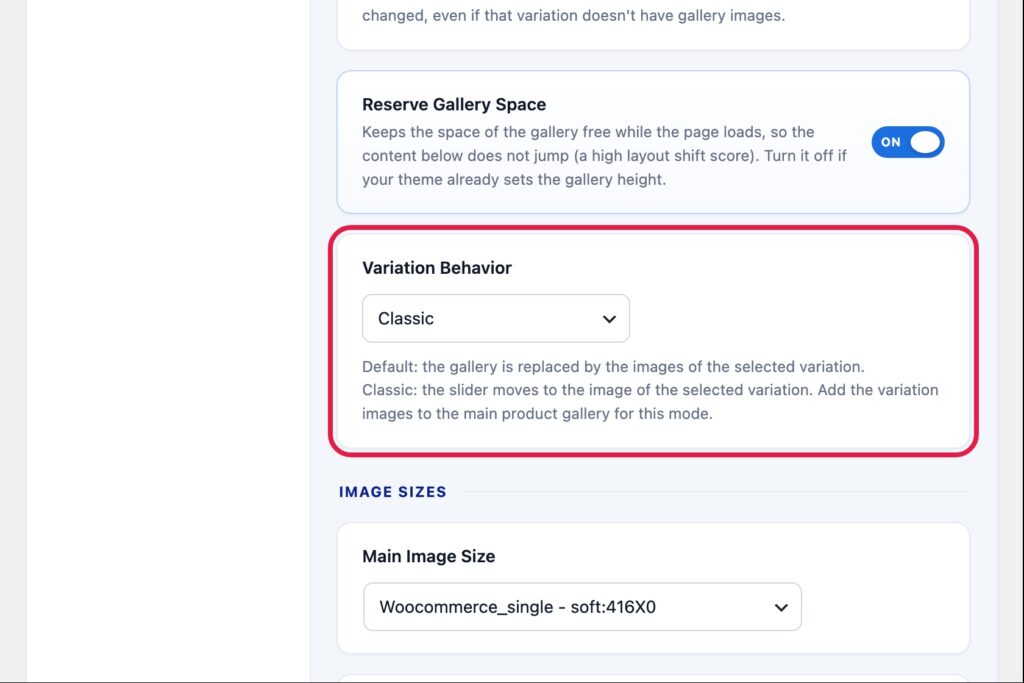
Default
The gallery is replaced by the images of the selected variation: its main image first, then its additional images.
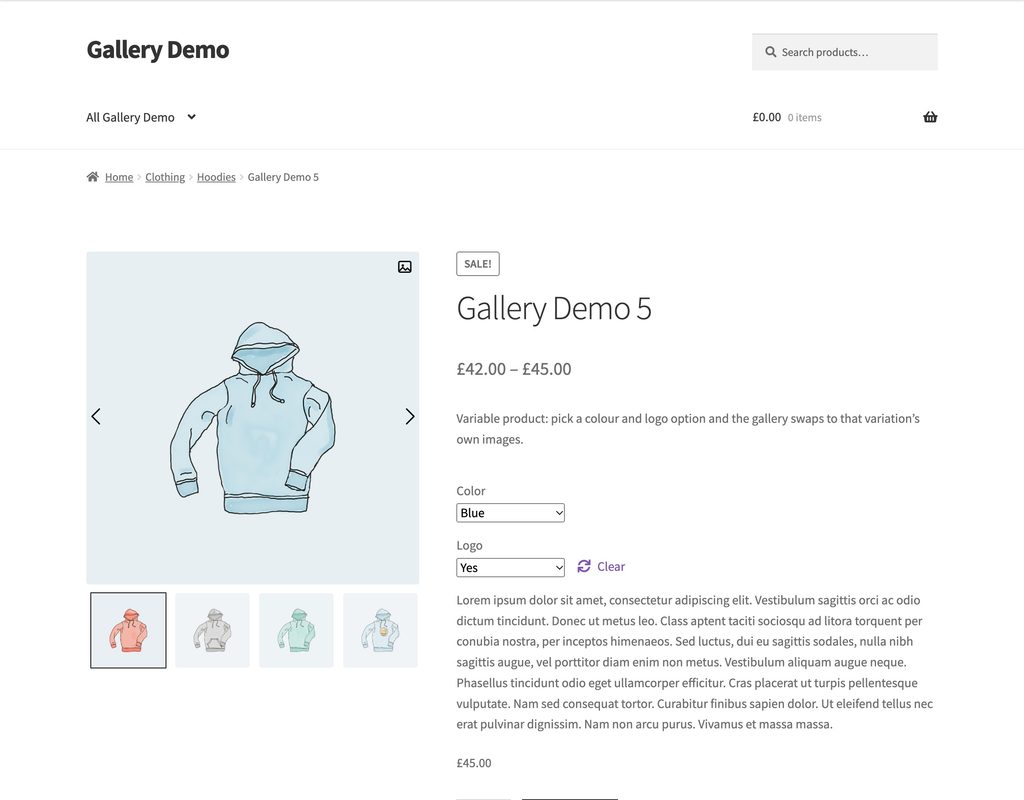
Classic
The gallery keeps all the product images and the slider moves to the image of the selected variation. For this mode, add the images of every variation to the main product gallery as well.