




























The Pro license gives you the Pro features and updates. This guide explains what changes if it runs out so you can plan ahead.
What stops
The UAE / Middle East region stops working. Customers will not be able to pay with CCAvenue UAE until the license is active again.
What keeps working
The India region keeps working, so a store that sells in India can still accept payments.
Check your license date
- Log in to My Account.
- Click License / Download Plugin.
- Look at the Expires and Status columns for the plugin.
If the license is inactive
- The license key is hidden and the plugin download is not available until the license is active again.
- To renew, use the support page and tell us which plugin and which account email you used.
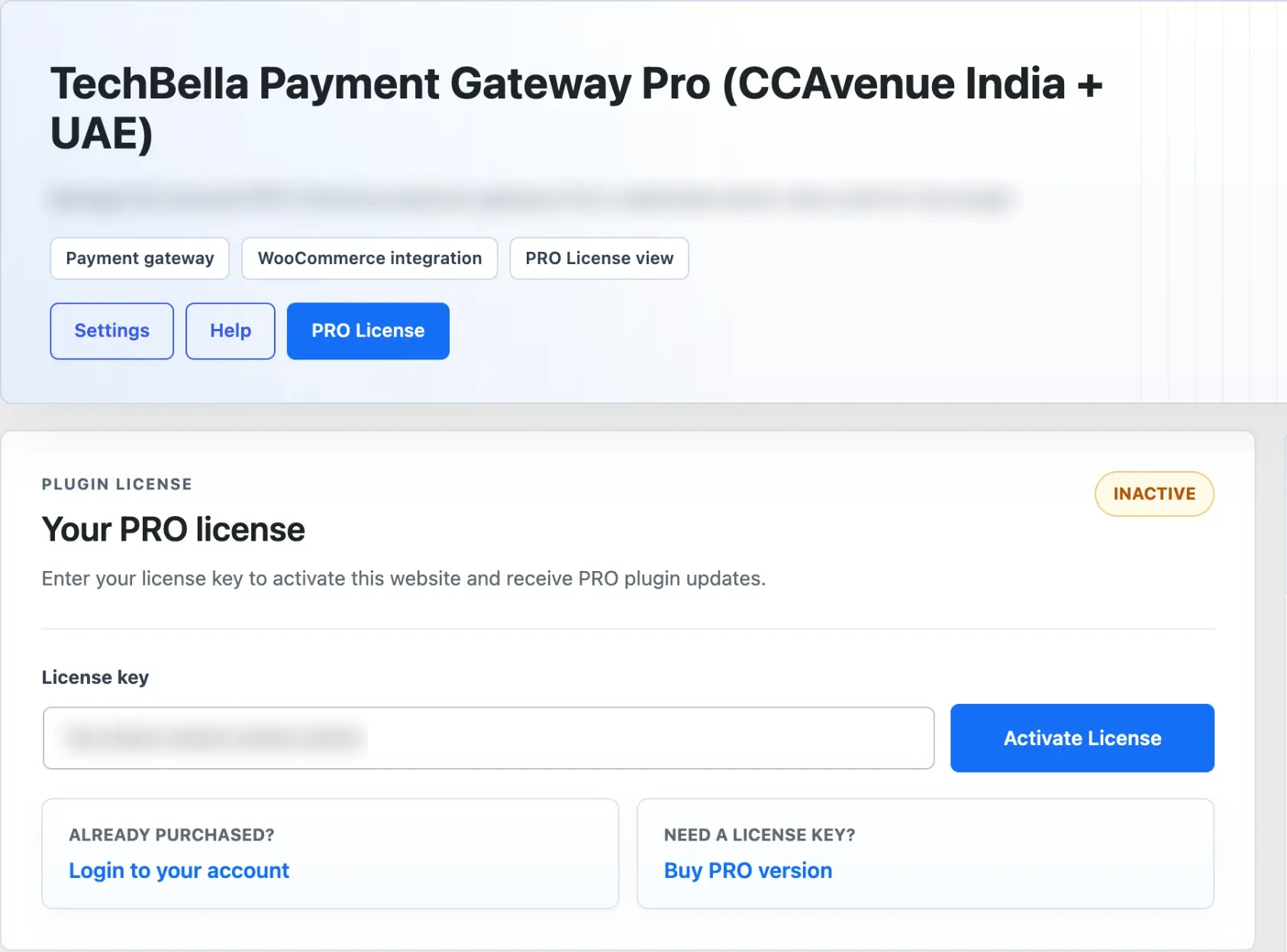
Once the license is active again, open the PRO License page of the plugin inside WordPress to confirm it shows as active.