




























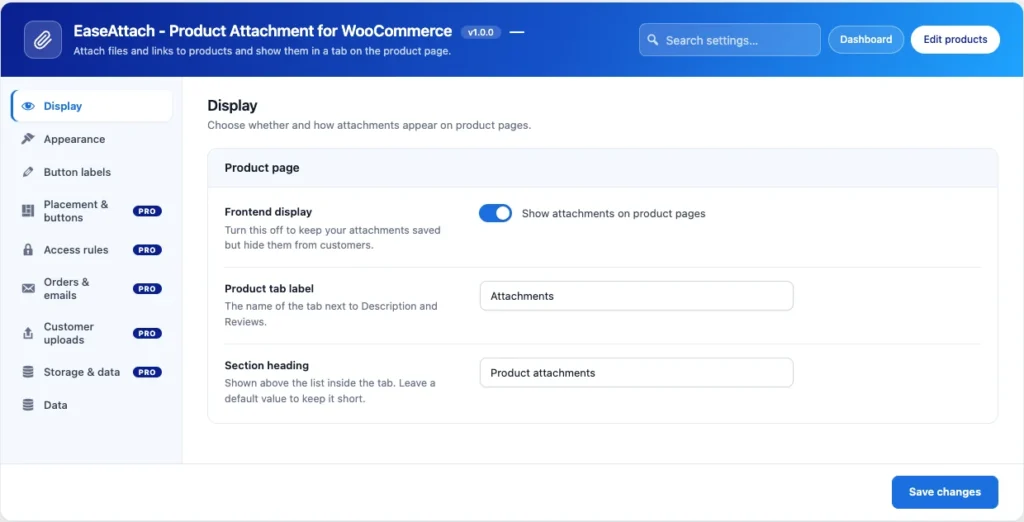
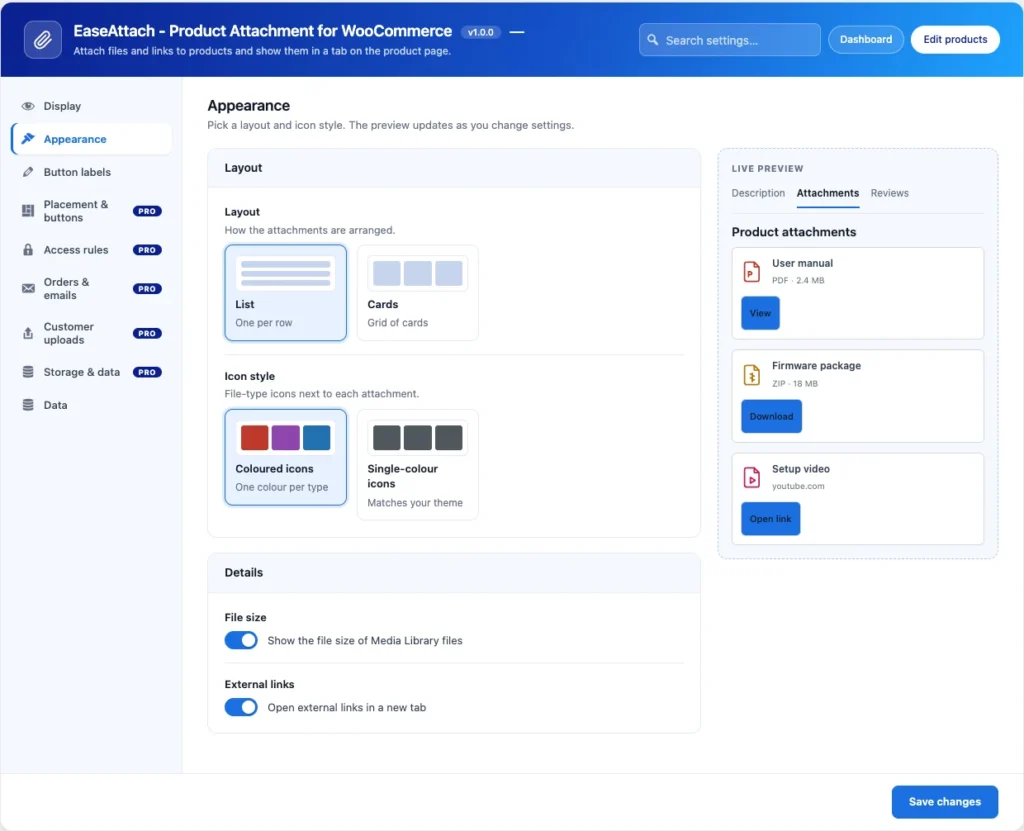
Open EaseAttach Woo and Settings. The Display, Appearance, Button labels and Data tabs hold these options, and a live preview shows each change before you save.
Display
- Frontend display. Turn Show attachments on product pages off to keep your attachments saved but hide them from customers.
- Product tab label. The name of the tab next to Description and Reviews.
- Section heading. The heading above the list inside the tab.
Appearance
- Layout. List shows one attachment per row. Cards shows a grid of cards.
- Icon style. Coloured icons use one colour per file type. Single-colour icons match your theme.
- File size. Show the file size of Media Library files.
- External links. Open external links in a new tab.
Button labels
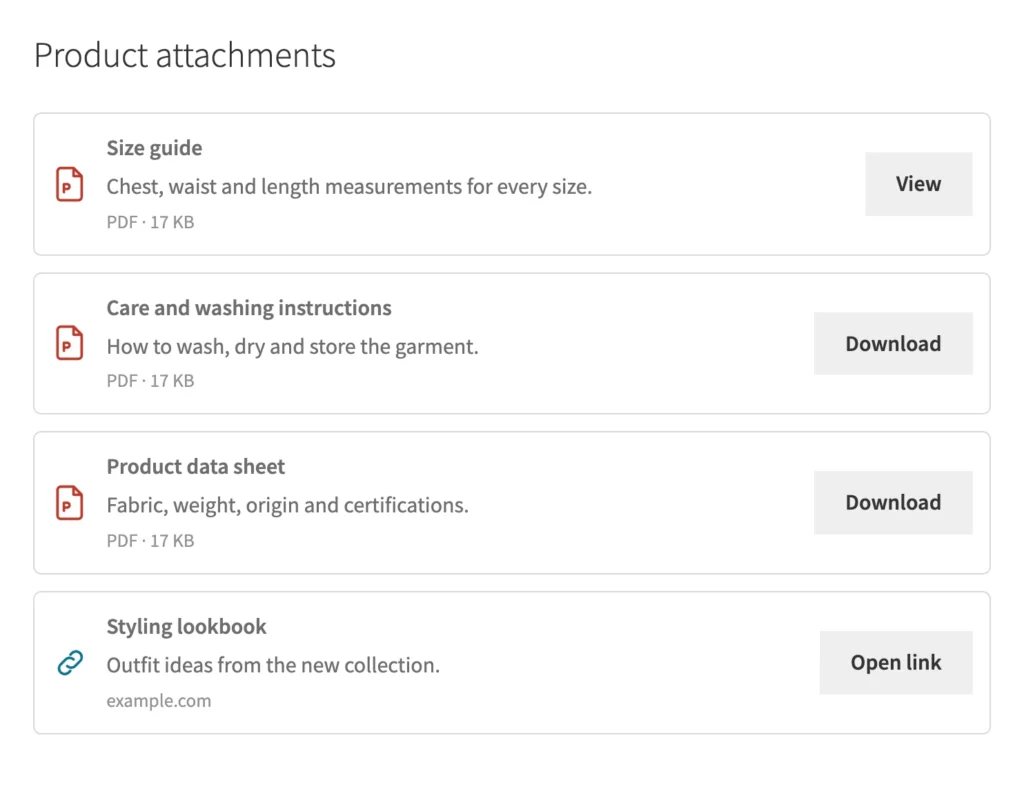
Set the default text of the View, Download and Link buttons. You can still override the text for a single attachment in the product editor.