




























When a customer selects a variation, the gallery can load that variation’s additional images. You control when this happens.
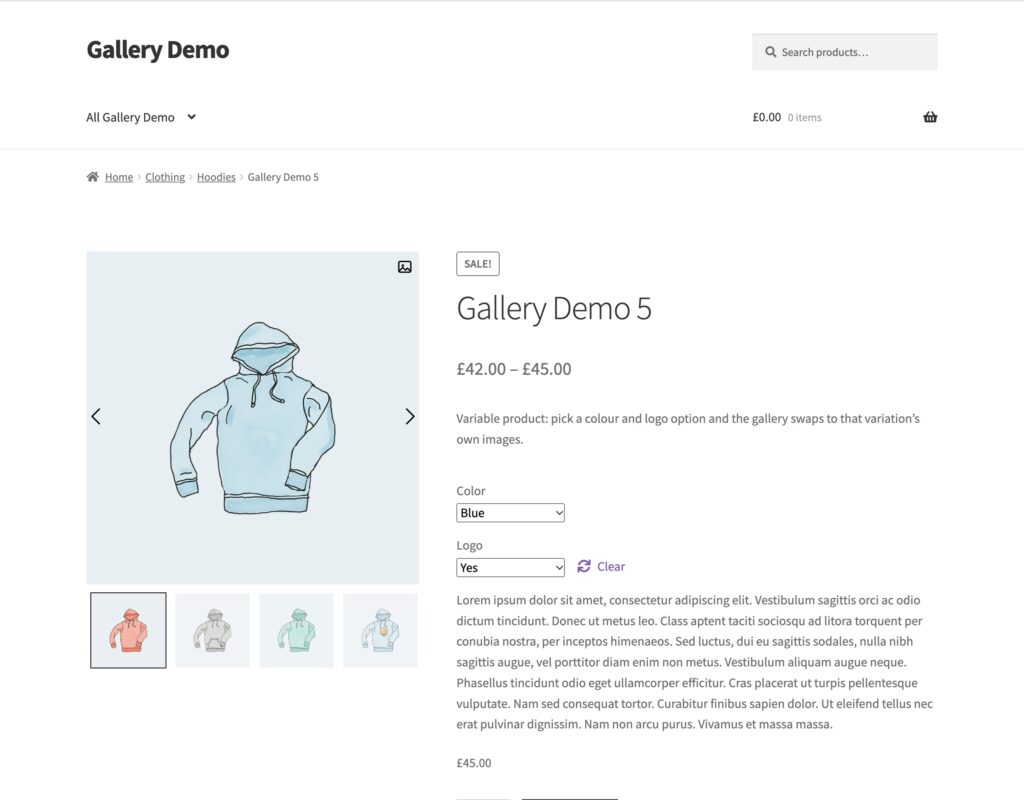
Variation Image Loading
- Go to TechBella Gallery and then Gallery Settings.
- Open Tools and Custom CSS.
- Find Variation Image Loading.
- Choose an option and save.
- Only if variation has additional Images. The gallery reloads only when the selected variation has extra images. This is the default.
- Always trigger gallery on variation change. The gallery reloads every time a variation changes, even when that variation has no extra images.
Variation Behavior in Pro
The Pro version adds a Variation Behavior option in the same section, with two modes.
- Default. The gallery shows the images of the selected variation.
- Classic. The slider moves to the image of the selected variation. For this mode, add the images of every variation to the main product gallery as well.
If the gallery behaves oddly after a plugin update, clear your cache plugin and your browser cache first.